ActuBene is the social platform where people and organisations share good deeds,
rally around causes, and measure their real-world impact.
Coming soon onGoogle Play
Scan for iPhone
For individuals
Everything you need to do more good
From a single act of kindness to a community-wide movement.
✨
Log your good deeds
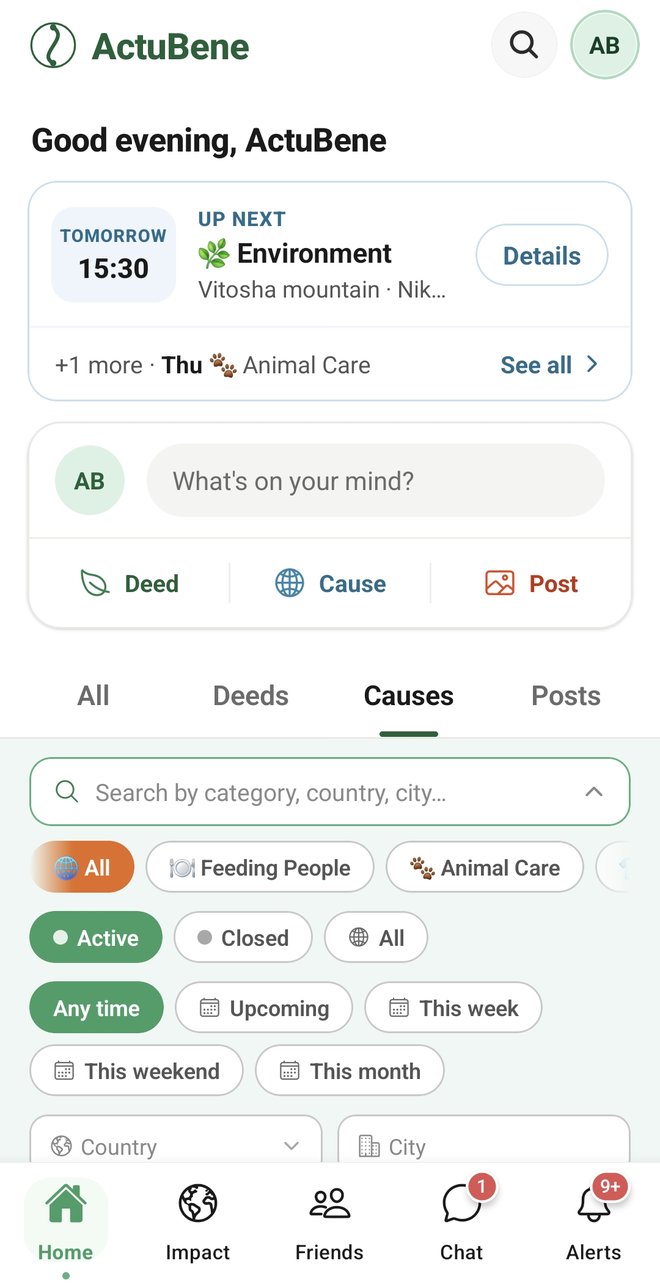
Capture and celebrate acts of kindness with photos, videos and friends — keep them private or share with your community.
🤝
Rally around causes
Find a cause near you, sign up to help, and bring your friends along. Every contribution counts and is celebrated.
📊
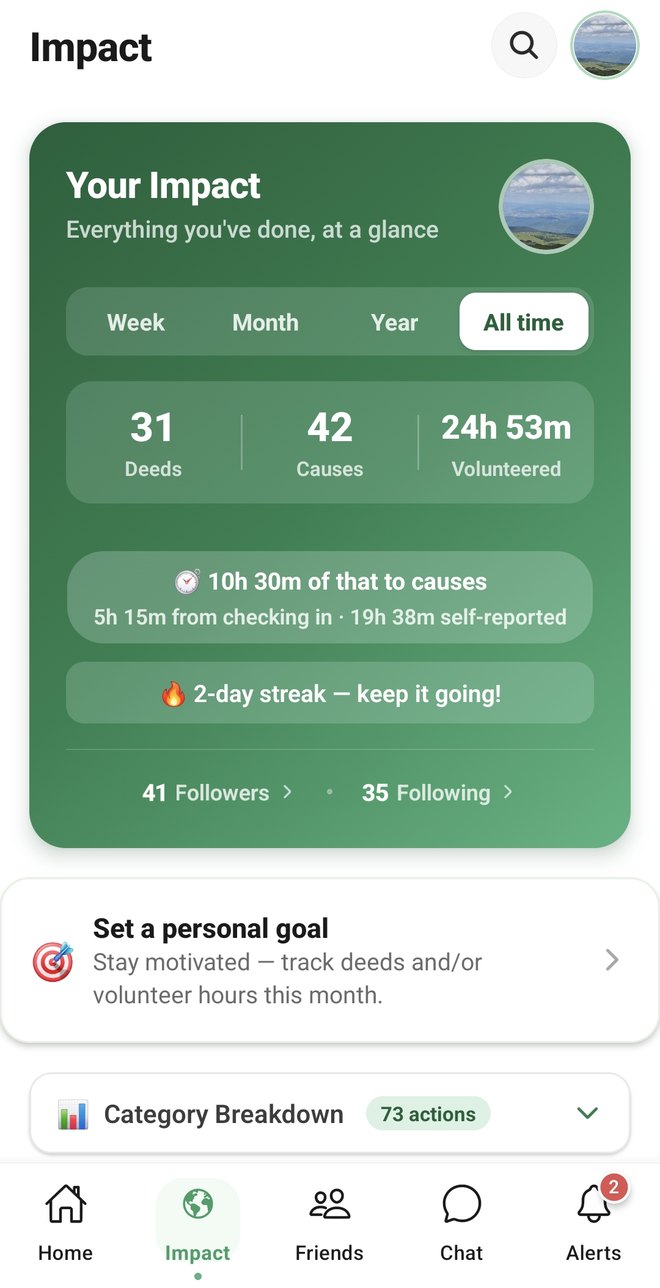
Measure your impact
Generate Impact Reports with a check link anyone can open — proof the numbers came from ActuBene and haven't been edited since. Two ways to show it: a fixed PDF snapshot, or a live link that updates itself.
Direct messages and group chats with photos, videos, voice notes and files — organise a turnout without leaving the app.
🔔
Turn up on the day
Reminders before an event you have joined, and one tap to put it in your calendar. On the day, scan the organiser's code and your attendance is recorded — a sign-up says you meant to come, checking in says you were there.
🔗
Share it beyond ActuBene
Share a cause as a link anyone can open — the date, the place and who is
organising it, no app needed. Turn a deed or your Year of Good into a
branded image for Instagram, WhatsApp or LinkedIn.
For organisations
Impact reporting for teams & organisations
Give your CSR, volunteering and community programmes a home.
🌱
Run your own causes
Verified organisations create causes, invite participants and see what the team achieved together.
🤝
Rally your members
Share a QR invite link and members join in seconds, or post a cause link
straight to Facebook or a WhatsApp group to reach people who are not
members yet. On event day, print a check-in sheet and anyone who turns
up — member or not — can scan it and be counted.
📊
See collective impact
Everyone's shared activity and volunteer hours in one organisation feed.
🔒
Export tamper-proof reports
Sign-ups, participants and hours mobilised — as a fixed PDF for a funder or board pack, or a live link that's always current. Every participant count says how it was established: checked in on site, or confirmed by the organiser. Aggregate numbers only, never your members' private details.
CompaniesCharities & nonprofitsUniversitiesCommunity groups
Causes are published openly on the web
When an organiser makes a cause public it gets its own page and is listed at
actubene.com/volunteering — a real event, with its date, its
place and the name of whoever is running it. Anyone can read it without an account.
Joining is what the app is for.
 Coming soon onGoogle Play
 Scan for iPhone